
Showing posts with label Database. Show all posts
Showing posts with label Database. Show all posts
Insert & Retrieve from Service Based Database
Fetch Data from Table in C# 5
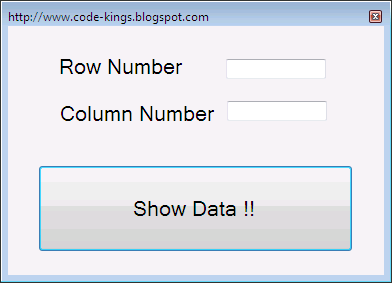
Fetching data from a table in C Sharp is quite easy. It First of all requires creating a connection to the database in the form of a connection string that provides an interface to the database with our development environment. We create a temporary DataTable for storing the database records for faster retrieval as retrieving from the database time and again could have an adverse effect on the performance. To move contents of the SQL database in the DataTable we need a DataAdapter. Filling of the table is performed by the Fill() function. Finally the contents of DataTable can be accessed by using a double indexed object in which the first index points to the row number and the second index points to the column number starting with 0 as the first index. So, if you have 3 rows in your table then they would be indexed by row numbers 0 , 1 & 2.
Subscribe to:
Posts (Atom)